
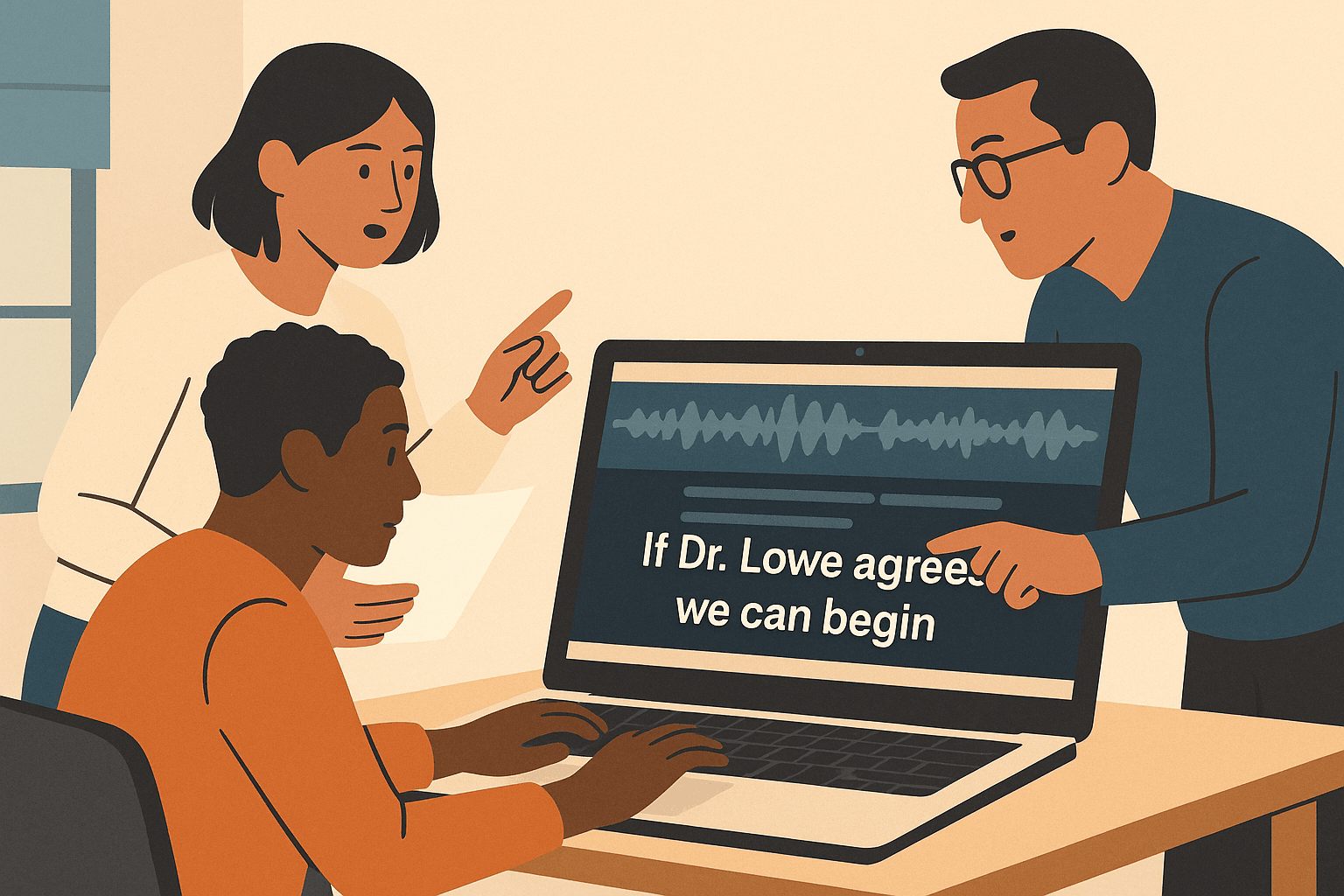
Great subtitles don’t just show what’s said — they show how it feels.
If you’ve ever uploaded a video and felt something was “off” with the captions, you’re not alone.
Captions are one of the easiest ways to improve viewer experience — yet most creators still treat them as an afterthought.
Let’s fix that.
Here are the five most common captioning mistakes creators make (and how you can fix them today).
1. 🚫 Captions Don’t Sync with the Audio
Nothing ruins immersion faster than delayed subtitles.
Even a half-second mismatch makes a scene feel out of rhythm.
Why it happens:
Manual captioning or outdated tools often lag behind the actual audio timing.
Fix it:
Use AI transcription tools that provide word-level timestamps.
With precise time alignment, your captions appear exactly when the words are spoken — not before, not after.
Bonus tip: In good editors, you can click a word to jump straight to that moment in the audio. Instant correction, zero guesswork.
2. 😶 Ignoring Tone, Emotion, and Sound
Captions aren’t just text — they’re emotion cues.
If someone whispers, laughs, or screams, the audience needs to feel it.
Mistake:
Leaving out descriptors like [whispering], [laughs], or ♪ soft music ♪.
Fix it:
Add short, consistent labels for non-verbal sounds.
They help the viewer understand the context and maintain empathy — especially for accessibility.
3. 🧾 Long Lines and Messy Formatting
Your audience shouldn’t have to read a paragraph to keep up.
Crowded captions are tiring, especially on mobile screens.
Why it happens:
Creators copy transcripts directly into caption tracks without breaking lines.
Fix it:
Keep each caption under 45 characters per line, with no more than two lines at a time.
End captions at natural pauses (commas or sentence breaks).
Simple formatting = smoother viewing.
4. 🤖 Relying on Auto-Captions Without Editing
AI-generated captions are a lifesaver — but they’re not perfect.
They often mishear names, skip punctuation, or split lines awkwardly.
Fix it:
Always review auto-captions before publishing.
Correct grammar, fix names, and re-break sentences logically.
It only takes a few minutes but transforms your video from “raw” to “professional.”
Think of AI as your assistant, not your editor.
5. 🌍 Forgetting About Translation
You’ve nailed your English captions — now what?
If your audience spans multiple countries, stop limiting reach to one language.
Mistake:
Skipping translation because it feels tedious.
Fix it:
Modern tools can translate captions into Spanish, Arabic, Japanese, or any major language — while preserving exact timestamps.
That’s a global upgrade in one click.
🧠 Pro Tip: Build a Caption Style Guide
Treat captions like brand design — they should be consistent.
Define:
Font size and color (18pt sans-serif recommended)
Background opacity (60–70%)
Sound descriptor style (
[in brackets]or(in parentheses))Preferred translation languages
When everyone on your team follows the same guide, your videos instantly look more polished.
🪶 Final Thoughts
Captions are more than subtitles — they’re an invisible layer of storytelling.
They carry tone, timing, and emotion, not just words.
Avoid these five mistakes, and you’ll not only make your content more accessible — you’ll make it unforgettable.
Try our AI-powered caption editor — upload, edit, and export clean, accurate subtitles in minutes. Because every word deserves perfect timing.