
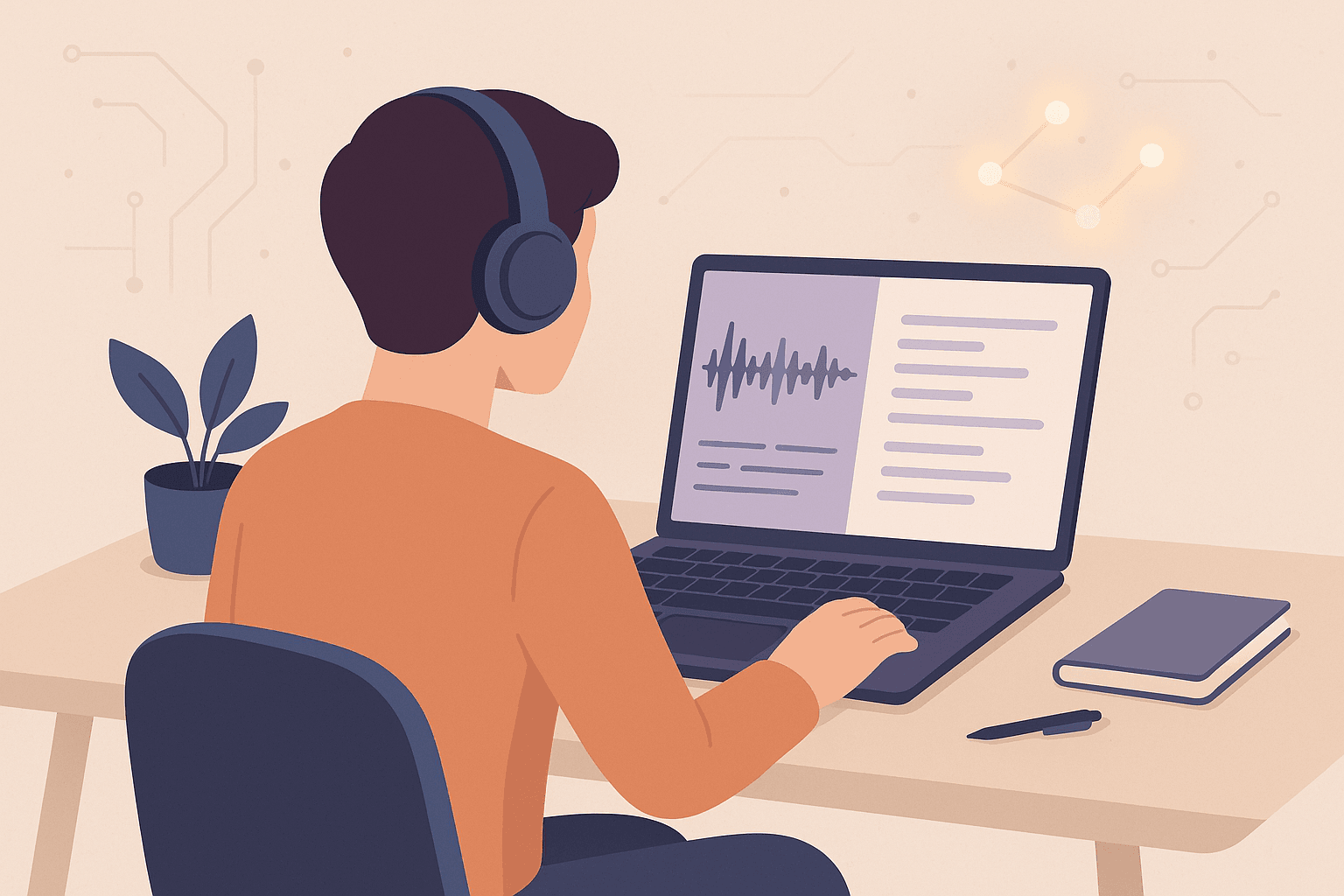
Turning your audio and video into text isn’t just about accessibility — it’s about speed, clarity, and creative control.
Whether you’re a YouTuber, podcaster, educator, or marketing professional, transcription has quietly become one of the most powerful tools in a creator’s workflow.
And thanks to modern AI, it’s no longer a slow or technical process — it’s nearly instant, remarkably accurate, and surprisingly affordable.
In this guide, we’ll explore how AI-powered transcription works, why it matters, and how you can integrate it into your content workflow today.
🎙 What Is AI-Powered Transcription?
AI-powered transcription is the process of converting spoken audio into written text using machine learning models trained on massive datasets.
Instead of typing manually or outsourcing transcription, creators can now generate full transcripts in seconds.
At its core, modern transcription relies on speech recognition — models like Whisper, ElevenLabs, and AssemblyAI — that understand accents, languages, and even background noise.
These models detect:
Words and phrases with precise timestamps
Speaker changes (speaker diarization)
Pauses, music, and sound cues
The result isn’t just text — it’s a time-aligned, searchable representation of your content.
⚡ Why Transcription Matters for Creators
Transcription isn’t a niche tool anymore — it’s a creative accelerator.
Here’s why every serious creator should use it:
Accessibility: Captions and transcripts make your videos inclusive and compliant with accessibility standards.
SEO Visibility: Search engines can’t index audio — but they can index transcripts.
Editing Efficiency: Jump to specific moments by clicking words, not timelines.
Repurposing: Turn transcripts into blogs, tweets, scripts, or social snippets.
Localization: Translate transcripts into other languages for global reach.
A transcript transforms your content from “spoken once” to “usable forever.”
🧠 How AI Transcription Works (Without the Buzzwords)
Behind the scenes, the process is simpler than it sounds:
Speech Detection — the model identifies speech patterns and converts sound waves into phonemes (language building blocks).
Language Modeling — AI predicts the most likely words and phrases based on context.
Timestamp Alignment — every word or phrase is mapped to an exact moment in the audio.
Post-Processing — punctuation, capitalization, and formatting are added for readability.
Human Refinement (Optional) — minor manual corrections polish the final output.
The outcome? A transcript with 95–99% accuracy in a fraction of traditional time.
🧰 The Modern Creator Workflow
A typical creator’s transcription workflow looks like this:
Upload or record audio/video directly in the browser
AI transcribes in real time or via background processing
Edit and correct inside a text editor synced with the audio
Export as SRT, VTT, or Final Cut XML for video editing
Publish or translate automatically for wider reach
In our platform, for example, you can:
Paste a YouTube or TikTok link, extract the audio, and get an instant transcript
Record directly with your microphone for real-time transcription
Edit captions interactively — click a word to jump in the audio
Export clean, ready-to-use subtitle files for any editor
💡 Tips for Better AI Transcription Accuracy
Even the best AI models depend on input quality.
Here’s how to ensure clean results:
Record in a quiet space or use directional microphones
Avoid overlapping voices where possible
Speak clearly and naturally (don’t rush)
If using video, keep background music low
For multilingual content, specify the language before transcription
Small improvements in recording quality can dramatically boost accuracy — and reduce post-editing time.
🌍 Beyond Transcription: Translation and Captioning
Once you have a transcript, the possibilities multiply.
You can:
Generate captions automatically (with timestamps per word)
Translate into multiple languages
Edit subtitles visually for clarity
Export formats ready for YouTube, TikTok, or Final Cut
Your transcript becomes the central hub of your media — editable, searchable, and reusable.
🚀 The Future of Transcription Is Real-Time
We’re entering a phase where transcription isn’t a post-production task — it’s live.
Imagine hosting a podcast, webinar, or online class, and seeing captions appear in real time.
Imagine being able to click a word in your transcript and instantly jump to that audio moment.
That’s not the future — it’s already happening in the browser.
Real-time transcription means you can:
Capture ideas before they vanish
Create searchable meeting archives
Offer live accessibility for audiences worldwide
✅ Summary
AI-powered transcription is changing how creators produce and manage content.
It bridges accessibility, productivity, and creativity — and it’s finally simple enough for everyone to use.
Start small: transcribe your next podcast or video.
Then expand: edit captions, translate, and repurpose.
You’ll quickly realize — it’s not just about turning speech into text.
It’s about giving your ideas a longer life.
Try our AI-powered transcription tool today — upload, transcribe, edit, and export in one place. Focus on storytelling; we’ll handle the rest.