
Once upon a time, adding subtitles meant endless timelines, manual typing, and too much coffee.
Today, it’s just drag, drop — and done.
If you’ve ever made a video for YouTube, TikTok, or a client presentation, you know the pain:
getting your subtitles right takes time. It’s repetitive, technical, and often eats into the hours you could spend actually creating.
But AI is quietly rewriting that story.
Modern tools can listen, transcribe, sync, and export your captions in minutes — and that changes everything.
🎧 From Chaos to Clarity
Let’s rewind to how most creators used to work.
You’d record a great video idea, upload it, and then spend another hour typing out what you just said — line by line, second by second.
AI transcription tools now do this heavy lifting.
They listen to your audio, convert it into text, and even understand who’s speaking and when.
What used to be a post-production nightmare now happens automatically — often while you’re still recording.
⚙️ What “Streamlining” Really Means
When we say AI streamlines video workflow, it’s not just about speed.
It’s about collapsing multiple steps into one continuous flow:
Upload or paste a link.
Drop in a YouTube or TikTok URL, and the system fetches your video automatically.AI transcribes and syncs.
Speech recognition models (like Whisper or ElevenLabs) generate text and timecodes.Edit visually, not manually.
Click a word to jump to that audio point — no more hunting on a waveform.Export your captions.
Choose SRT, VTT, or Final Cut XML, and you’re ready for any editing suite.Repurpose instantly.
Translate, summarize, or turn your transcript into a blog or script.
Suddenly, your 1-hour manual process takes 5 minutes — and you don’t lose focus in the process.
🧠 Why It Matters for Creators and Teams
Consistency: Every video follows the same formatting rules.
Accessibility: Captions make your content inclusive — and compliant.
SEO: Search engines can finally read what’s in your video.
Collaboration: Teams can review transcripts or translate on the fly.
Automation: One workflow for creators, editors, and marketers alike.
The best part? You don’t have to be an editor to look like one.
🧩 A Real Example: Audio-to-Subtitles in Action
Let’s say you record a 2-minute video explaining a new feature.
You drag the MP4 into the dashboard.
The AI recognizes your voice and starts transcribing.
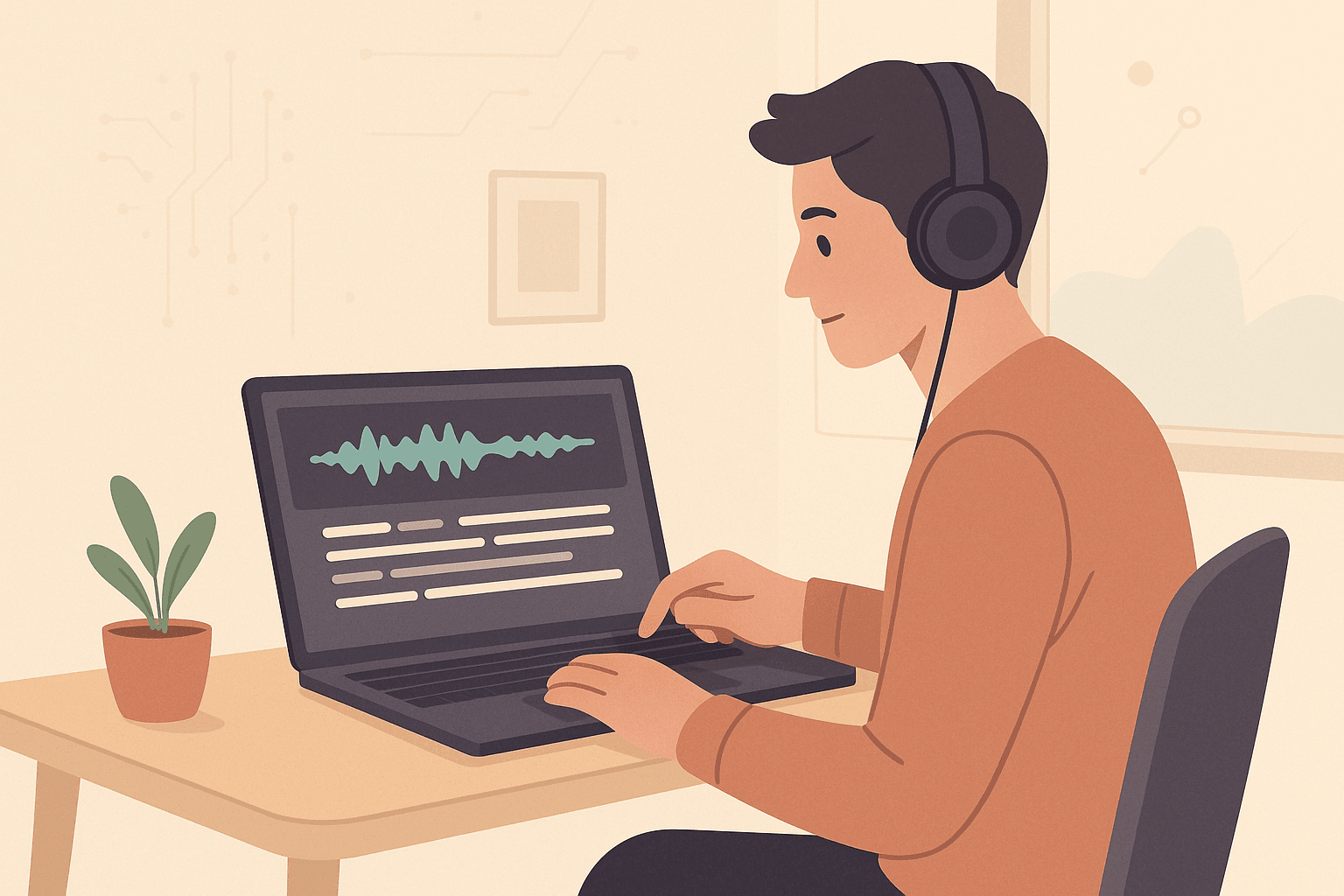
In seconds, you see text appear — word by word — aligned with the waveform.
You fix a couple of words, hit Export, and download your
.srt.Drop it into your editing software — and boom, captions synced perfectly.
No plug-ins. No guesswork. Just clarity.
🪄 Bonus: Translating Subtitles in One Click
Since everything is time-stamped, translation becomes trivial.
AI models can turn your English transcript into Spanish, Arabic, or Japanese, all while keeping perfect timing.
This means you can:
Localize content without reshooting.
Reach new audiences on YouTube or TikTok.
Keep the same emotional pacing — every pause still feels natural.
It’s like having a multilingual editor sitting beside you.
🚀 Where This Is Headed
We’re moving toward live captions and real-time transcription.
Soon, your recording session will create captions as you speak, editable in the same interface you use to record.
It’s not science fiction — it’s already happening with browser-based tools.
The creative process is collapsing from:
Record → Transcribe → Edit → Export
to simply
Speak → Edit → Publish
That’s the magic of automation done right.
🧭 Final Thoughts
AI transcription and captioning aren’t about replacing editors.
They’re about giving every creator — no matter their skill level — access to professional workflows.
The tools are ready. The process is simpler than ever.
Your next video doesn’t just deserve great storytelling — it deserves great subtitles.
Try our AI subtitle generator today — upload your clip, watch your captions appear in real time, and export them wherever you create.