
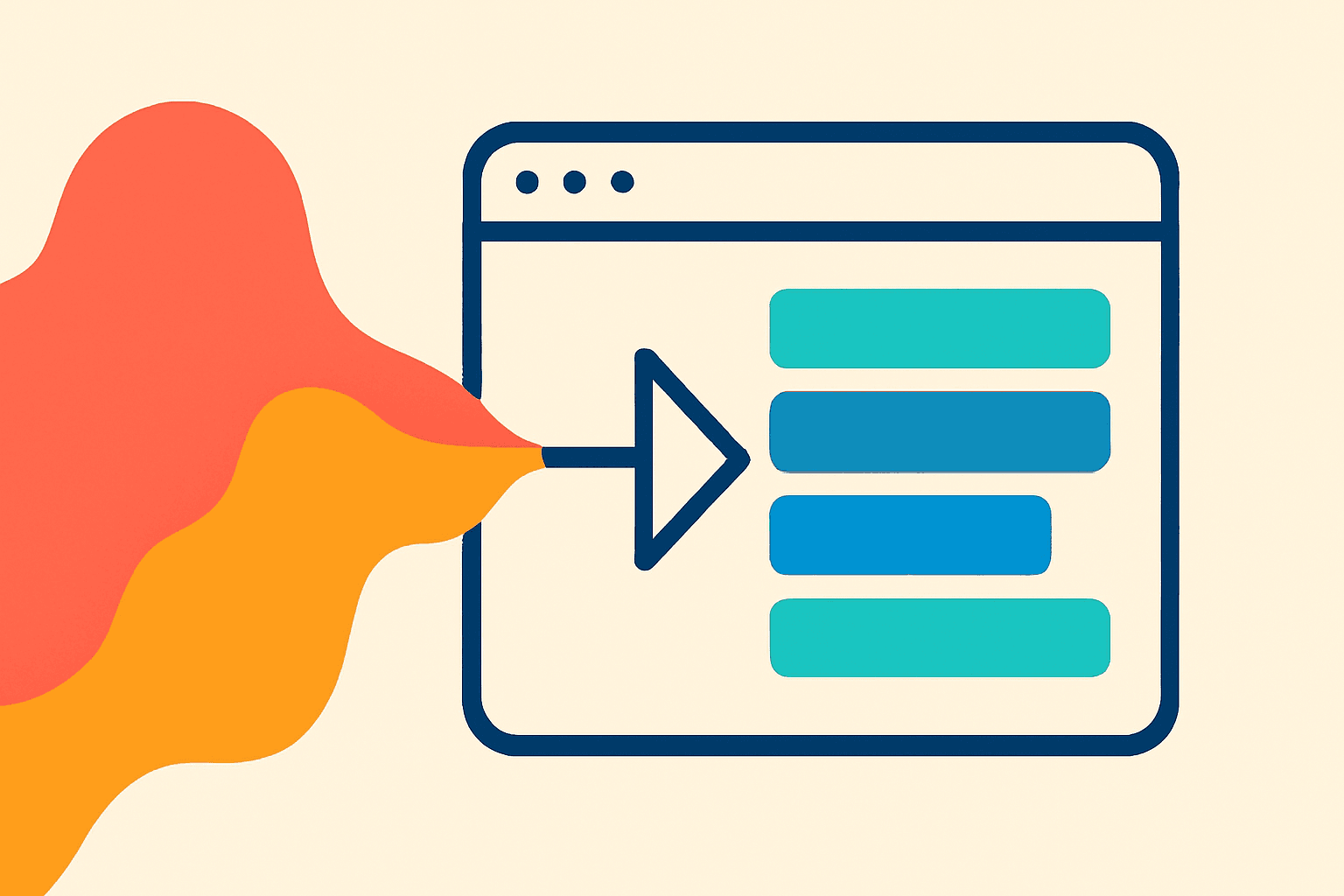
Imagine speaking into your laptop and watching your words appear on-screen — instantly, accurately, and in your own language.
That’s not science fiction anymore.
Real-time transcription has quietly moved from studios and corporate meeting rooms into your web browser.
You can now open a tab, click “record,” and watch AI transcribe every word as you speak — with no downloads, no plugins, and no waiting.
Let’s explore how it works, why it matters, and what makes browser-based transcription so powerful for creators and teams.
🧠 What Is Real-Time Transcription?
Real-time transcription is exactly what it sounds like:
Your words are converted into text as you speak.
Instead of waiting for a full recording to upload and process, streaming speech recognition breaks your audio into small data chunks and sends them to an AI model in real time.
The model then predicts and corrects the text continuously — like autocorrect, but for your voice.
It’s fast, surprisingly accurate, and feels almost magical.
⚙️ The Tech Behind the Magic
Here’s what happens behind the scenes when you start speaking:
Microphone input: Your browser captures raw audio through the Web Audio API.
Chunking: The audio is split into short frames (around 20–40ms).
Streaming to AI: Each chunk is sent to a real-time transcription service — often powered by WebSocket or WebRTC for low latency.
Speech recognition: The AI model (e.g., Whisper, Deepgram, or ElevenLabs) processes the stream, converts speech to phonemes, and predicts full words.
Correction: As context grows, the model refines earlier guesses for higher accuracy.
Display: The text updates instantly in your editor — word by word, almost like you’re watching your voice type itself.
This whole process happens within milliseconds.
🧩 Why It Matters for Creators
Real-time transcription isn’t just a technical flex — it’s a creative breakthrough.
For podcasters: You can monitor and clean up speech as you record.
For educators: You can display live captions during lectures or webinars.
For journalists: You can focus on interviews, knowing every word is captured.
For editors: You can start cutting and tagging content immediately after recording.
No more waiting for post-production.
You get instant text, instant insight.
⚡ Browser-Based = Freedom
Traditionally, speech recognition required native apps or server-side pipelines.
But thanks to WebAssembly and optimized AI APIs, your browser can now handle everything:
Works on Chrome, Safari, and Edge
Secure — no permanent audio storage unless you choose
No need to install drivers, SDKs, or extensions
Runs smoothly even on mid-range laptops
Creators love it because it’s instant setup, zero friction.
Open browser → hit record → start creating.
That’s how transcription should feel.
🎛 When Real-Time Beats Batch Processing
Batch (after-recording) transcription is great for accuracy and long-form content.
But real-time shines when speed matters more than perfection.
Live podcasts
Online meetings
Classroom captions
Instant note-taking
Accessibility overlays
Real-time transcription keeps everyone in sync — even across languages, if paired with live translation.
🌍 The Future: Speak Once, Publish Everywhere
We’re heading toward a creative workflow where your voice instantly becomes text, subtitles, and even translations — all inside your browser.
Soon, you’ll be able to:
Record, transcribe, and edit in one dashboard
Translate captions on the fly
Export SRT or VTT instantly
Share your transcript as a searchable document
The boundaries between “recording,” “editing,” and “publishing” are disappearing — and real-time AI transcription is leading the charge.
🪶 Final Thoughts
Real-time transcription isn’t just a convenience.
It’s changing how we create, communicate, and collaborate.
With your browser as the studio, AI as your transcriber, and your words as data —
you’re no longer recording ideas.
You’re streaming them.
Try real-time transcription directly in your browser — record, speak, and see your words appear instantly with AI precision.