
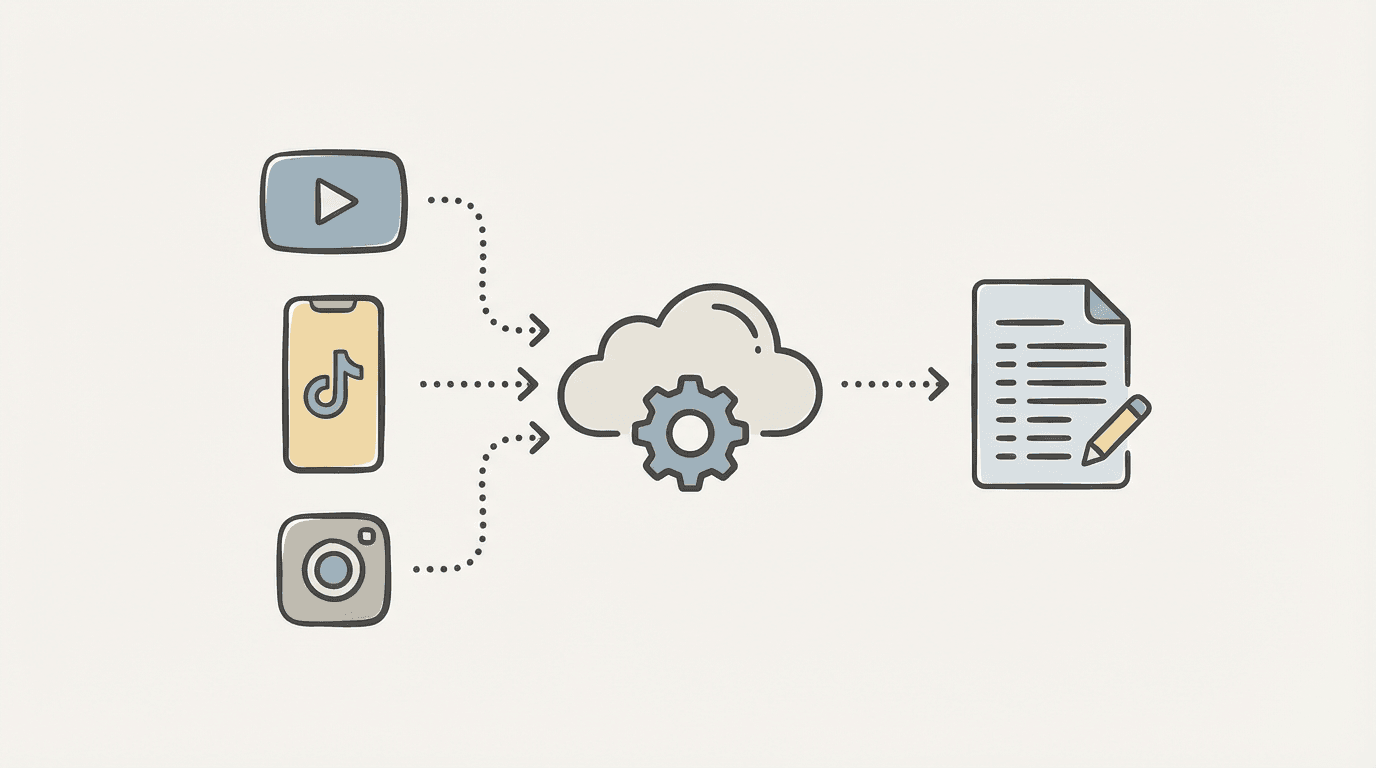
You found the perfect video clip — now you want the words.
Here’s how to turn any social video into clean, editable text using AI.
We live in a world where video content rules everything — from quick TikTok tutorials to long-form YouTube essays.
But sometimes, you don’t just want to watch a video — you want to read it.
Maybe it’s for research, quotes, subtitling, translation, or just to repurpose ideas faster.
Good news: you don’t need to download risky apps or copy-paste subtitles by hand.
You can extract audio, transcribe it, and edit the text directly in your browser — all with AI.
Let’s see how.
🎬 Step 1: Get the Video Link
Open any public video from:
YouTube
TikTok
Instagram Reels
Facebook
X (Twitter)
Copy the video’s share link — that’s all you need.
No plugins, no downloaders, no extensions.
⚙️ Step 2: Paste and Process
Head to your transcription dashboard.
Paste the video URL into the input box and hit “Transcribe.”
Behind the scenes, the system:
Downloads the video stream (without watermark).
Extracts the audio track.
Sends it to an AI transcription model (like Whisper or ElevenLabs).
Generates text with precise timestamps for every word or phrase.
In just a minute or two, you get a full transcript — ready to edit.
🧠 Step 3: Edit and Refine
Once the transcription is complete, you can:
Edit typos and punctuation directly in the text editor.
Click any word to jump to that part of the audio.
Tag speakers or translate lines.
Highlight important quotes.
Export the subtitles for your next video.
It’s like having a Word document that syncs with your video timeline.
🪄 Step 4: Export Your Text
You can download:
.txtor.docxfor articles and blogs.srtor.vttfor subtitles.xmlfor Final Cut Pro and Premiere users
Want to translate?
Click “Translate Captions” and select your language — Spanish, Arabic, Japanese, you name it.
AI keeps your timing intact while rewriting the text fluently.
🌍 Step 5: Repurpose and Reuse
This workflow turns social video into raw creative material:
Turn TikTok clips into short blog posts.
Extract quotes for social media or newsletters.
Translate influencer videos for international campaigns.
Build searchable video archives for research or media monitoring.
The line between video and text disappears — and that’s the beauty of it.
🧩 Bonus: Accuracy Tips
To get the best results:
Pick high-quality audio videos (avoid heavy background noise).
Use clips where the speaker is clear and close to the mic.
Double-check proper nouns and brand names.
For multilingual clips, specify the primary language first.
🪶 Final Thoughts
Converting social videos into text used to be a tedious, multi-step process.
Now, with AI transcription tools, it’s instant, accurate, and effortless.
Whether you’re a journalist, marketer, or creator —
turning video into text is no longer technical.
It’s creative.
Try our URL-based transcription tool — paste a YouTube or TikTok link, and watch your transcript appear instantly. AI does the rest.