A whole AI film crew,always ready to roll
From the first page of the script to the final shot, the craft of writing, storyboarding, art direction and sound is already here. All you bring is your story
- Expert Skills built in, the whole pipeline yours to customise
- Pay as you go, no subscription
- Full MCP support: start from Claude or ChatGPT
For everyone whowants to make films
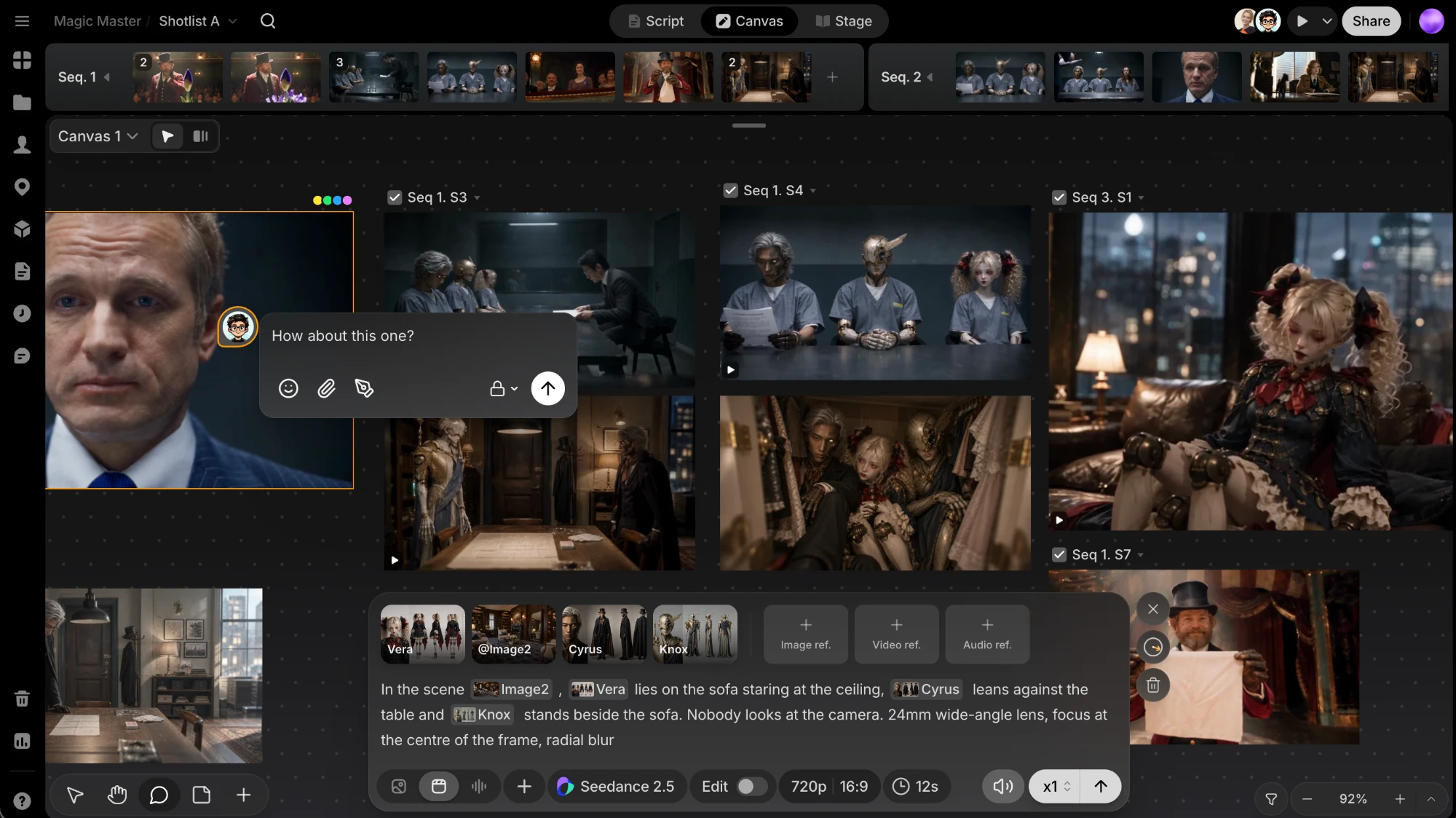
Writing, shot lists, generation, review and the hand-off to your editor, all in one place. AI takes the legwork; every call that matters stays with you
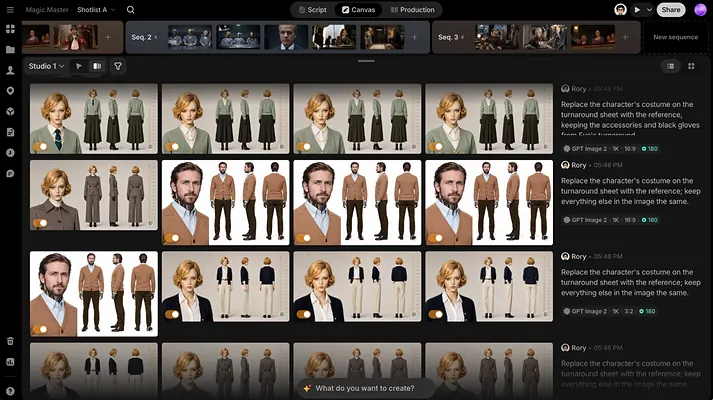
Infinite canvases, as many as a project needs. References, takes and scenes laid out at a glance, the whole team live at once: arrange shots, compare versions, review and mark up
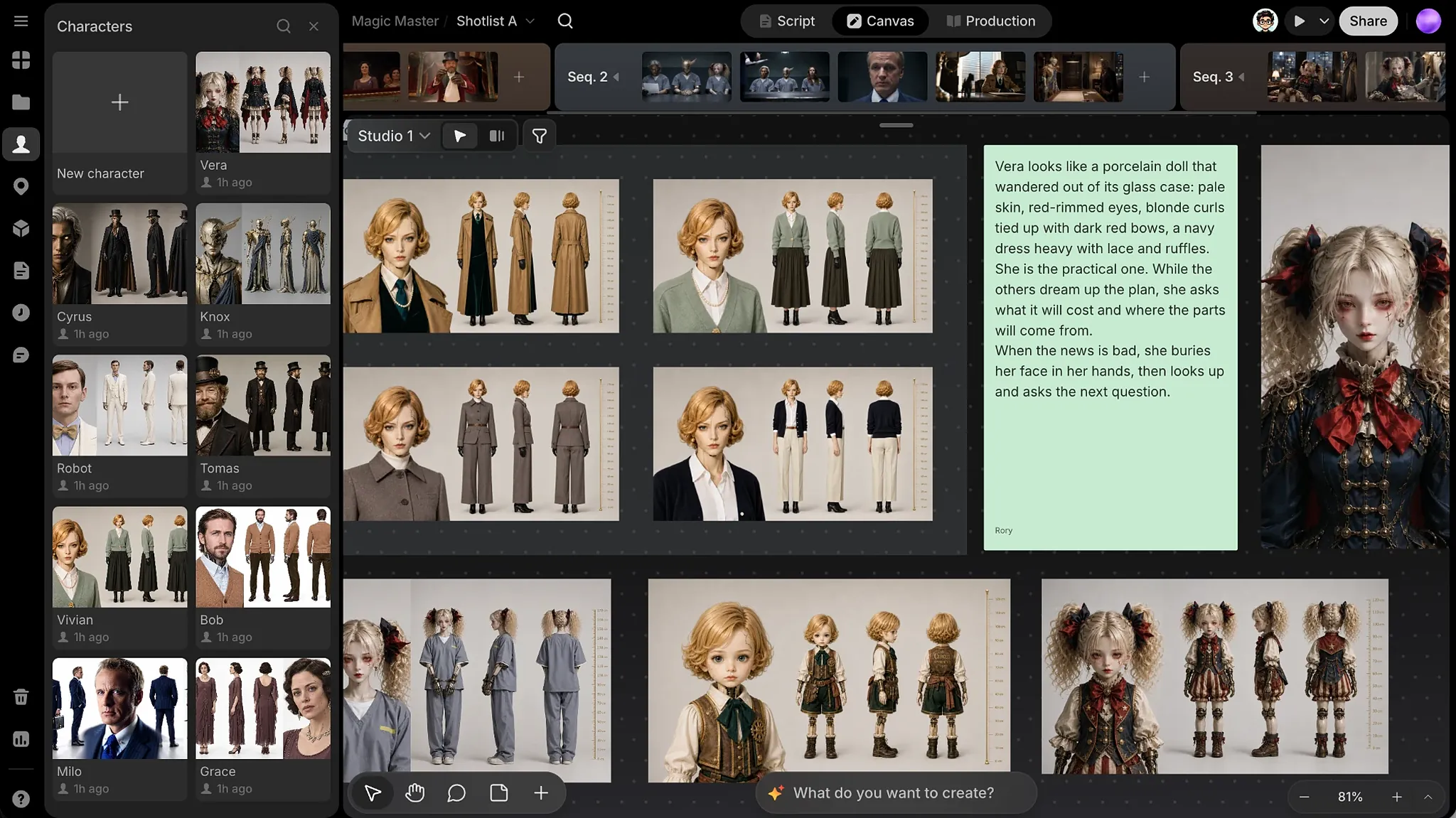
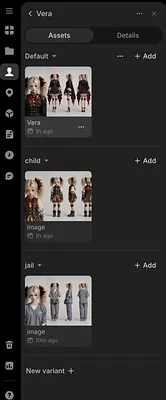
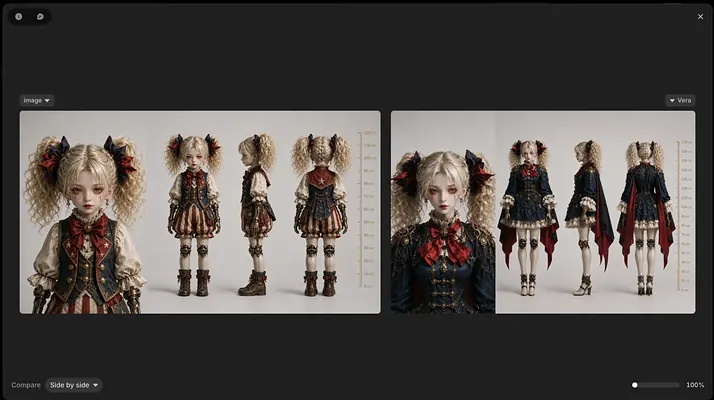
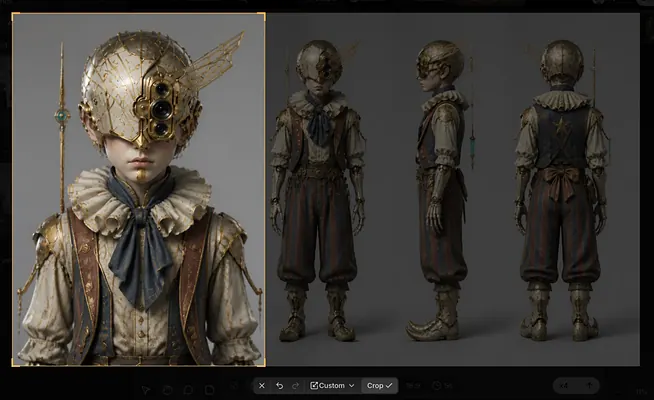
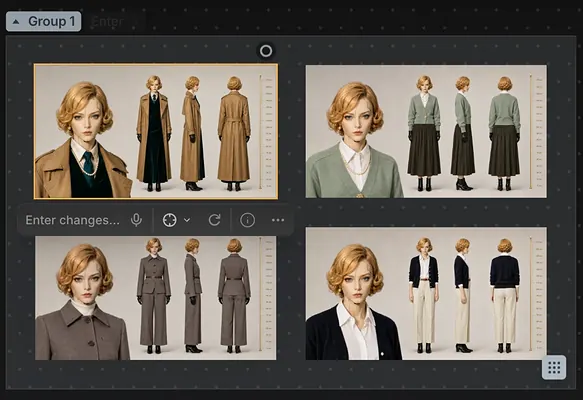
Character building, arcs, beat design and three-act structure are built in, and the World Documents keeps the whole story in view, so AI continuations stay on course. Characters, locations and props are pulled out precisely, with their different looks designed ahead
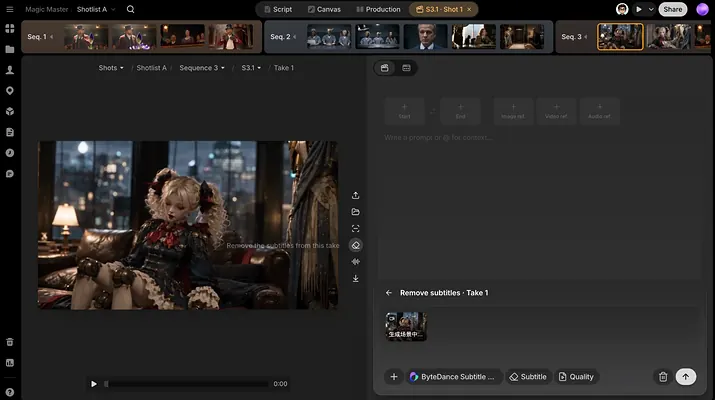
AI plans the shots for you: each shot's characters, location, props, size, move and length, with its dependencies sorted and its prompts written and ready. A day's work, done in the time it takes to make a coffee
Images, voice, video and sound effects, all generated in one place, with Seedance, GPT-Image, Nano Banana and ElevenLabs side by side. Speak your prompts if you'd rather not type them
Every asset carries its full chain: what it was made from and every step that made it. From the first take to final delivery, every change has its record


ClipTap Agent runsthe whole production
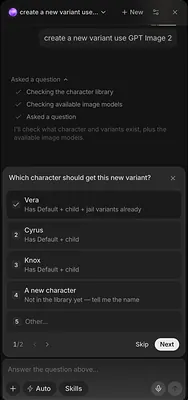
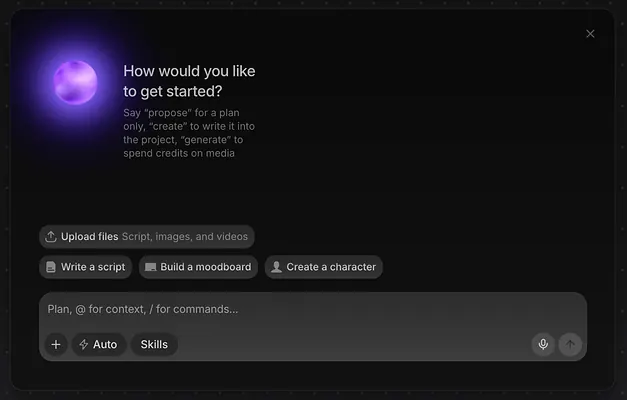
From the first idea to the final cut, it's with you all the way. Say it in plain words: it understands your project and gets the work done
Complex shots,no longer left to chance
Set, characters and cameras: describe them and the 3D Director desk lays them out, then exports a gray-box reference video. With the space and the animation locked, the model shoots to it and gets it right the first time
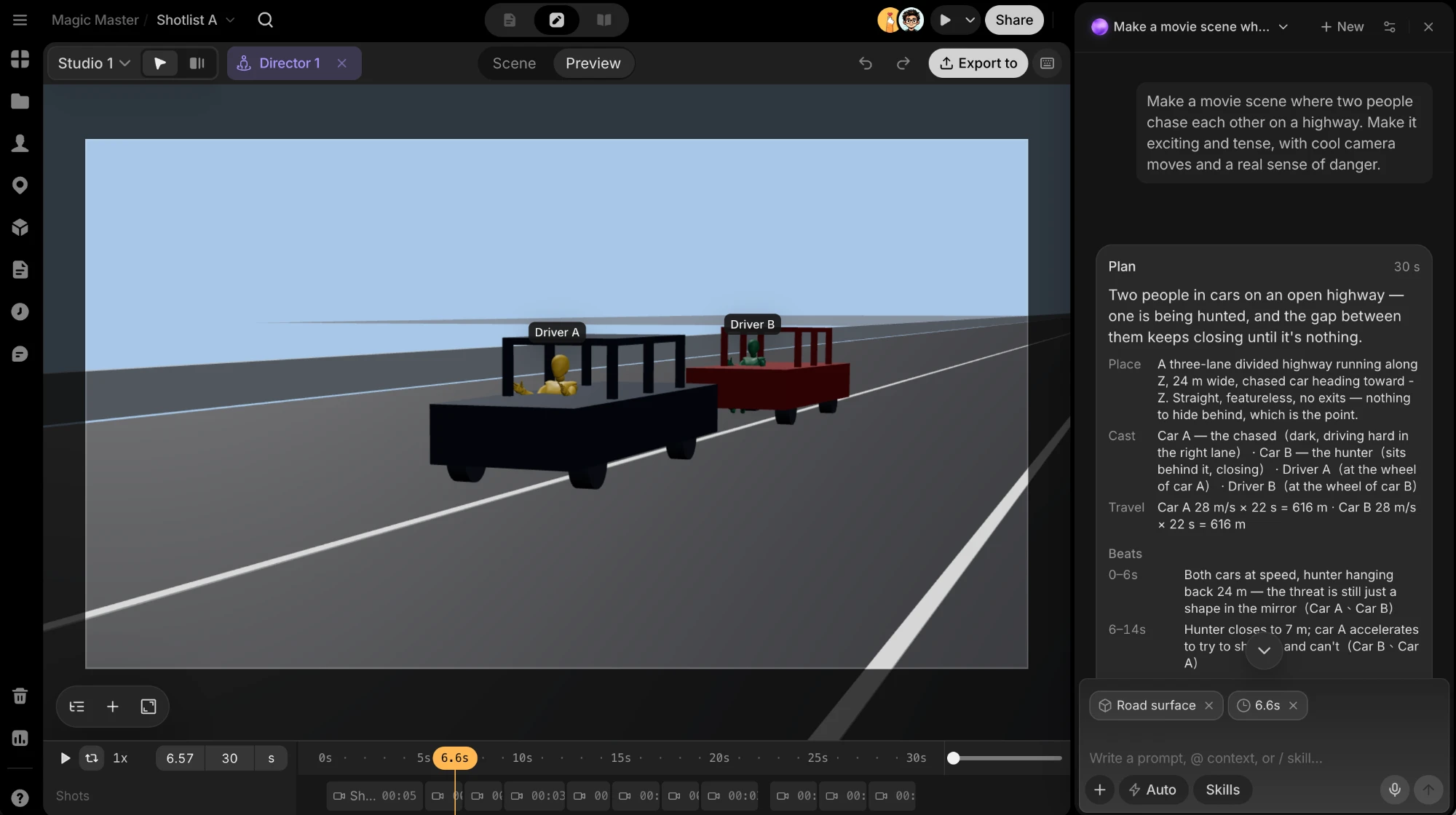
Describe it, the set is built
AI raises the room, dresses it, places the cast at their real height and plans the camera
Say what to change
Move the sofa to the window, drop the camera a little: AI changes what you named and leaves the rest alone
Bring in frontier models
Over MCP, Claude Opus 5.5 or ChatGPT Astra build and animate the set, for finer scenes and more deliberate camera work
Media syncs on demandopen the project and cut
 StreamingShot 01 · take 2.mp4
 StreamingShot 02 · take 1.mp4
 StreamingShot 03 · take 3.mp4
 StreamingShot 04 · take 2.mp4
 StreamingShot 05 · take 1.mp4
 StreamingShot 06 · take 4.mp4
ClipTap Space previews your media directly, and Premiere Pro, Final Cut Pro, DaVinci Resolve and CapCut open cloud projects as they are
- No more downloading and sorting by handTakes arrive named and ordered by your shot list
- Open cloud projects directly, every take includedYour editor opens the project as it is, alternate takes and all
- Fetched on demand, cached in chunks, light on diskOnly what you play is downloaded, so the drive never fills your disk
Bring Claude and ChatGPTinto your crew
Connect ClipTap over MCP, and Claude or ChatGPT gets to work in your projects
Use the AI you already pay for
Script, shot list and prompts run on your Claude or ChatGPT plan, with no ClipTap credits spent
Take episode 1 from script to generated assets, and build the rooftop scene in 3D first
Frontier models build the set
Claude Opus 5.5 and ChatGPT Astra build 3D scenes on the Director stage, blocking and camera included
https://cliptap.ai/mcp- 1Click Add to Claude: the dialog opens with the name and URL filled in
- 2Check the details and click Add
- 3Sign in to ClipTap, pick a workspace and click Allow
More details you might find useful
Mentions
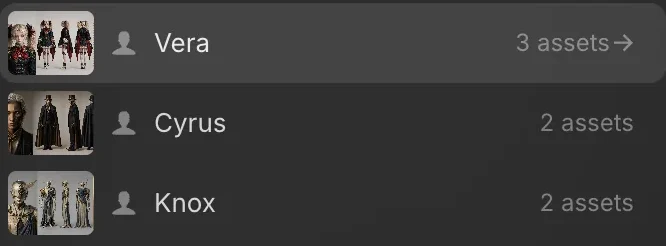
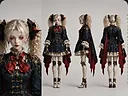
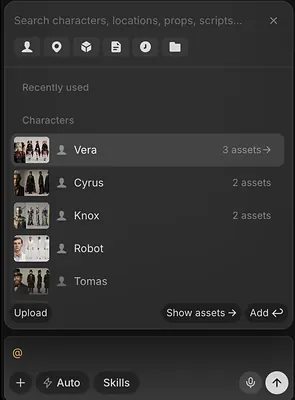
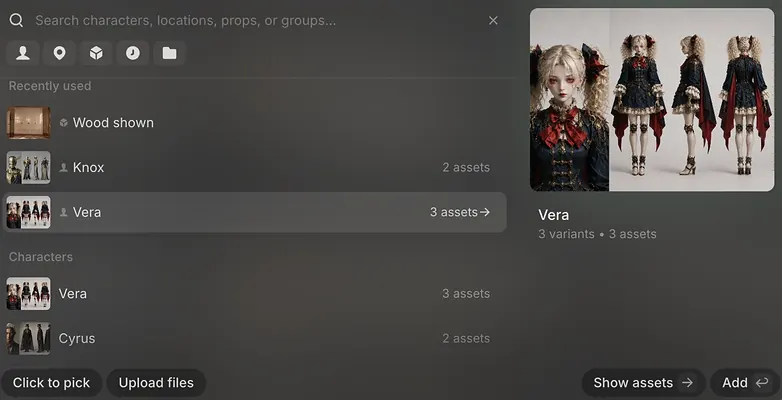
Type @ to bring a character, place, prop or file into any prompt; the right look comes with it

Asset prompt cards
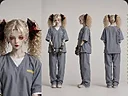
Each character, place and prop keeps its prompt, its looks and every take made from it
Shot prompt cards
A shot's prompt, references and model in one card, ready to run
Skills
Saved ways of working the Agent follows, for you, a project or the whole workspace
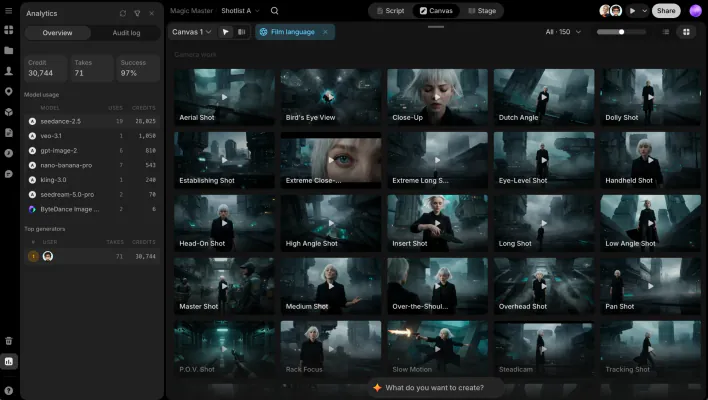
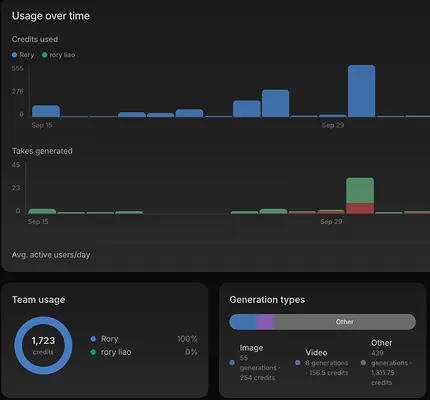
Usage analytics
Who generated what, on which model, for how many credits
Credit caps
Weekly or daily caps for each member, with defaults for newcomers
Search by meaning
⌘K finds scripts, library entries and any image or video frame by what is in it

Trash
Deleted files, takes and canvas nodes wait in the Trash, ready to put back with one click
Your work is yours
Security and control that scale with your organization
Never used for training
Prompts, uploads and generations go only to the model provider you choose to run
Encrypted, in your region
TLS in transit and encryption at rest. Enterprise workspaces can keep files in the EU
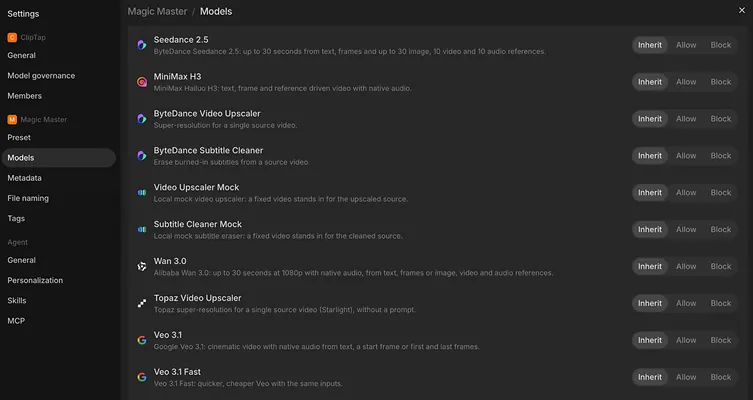
Roles, caps and model control
Workspace roles, per-member credit caps and an approved model list
Deleted means deleted
Deleted projects stay 30 days for recovery, then are removed with their files
Frequently asked questions
Make a film, not a pile of shots. Script, shot list, character looks, generation, review and the edit handoff all happen in ClipTap: characters hold up to the last episode, every take has its place, and your editor can import the project directly.
Make your next film with ClipTap
Start free. Credits never expire, and you pay only for what you generate